Burner: Second Phone Number
- 4.3
- Rating
- 5.00M
- Installs
- Free
- Price
 Analysis by App-foxy
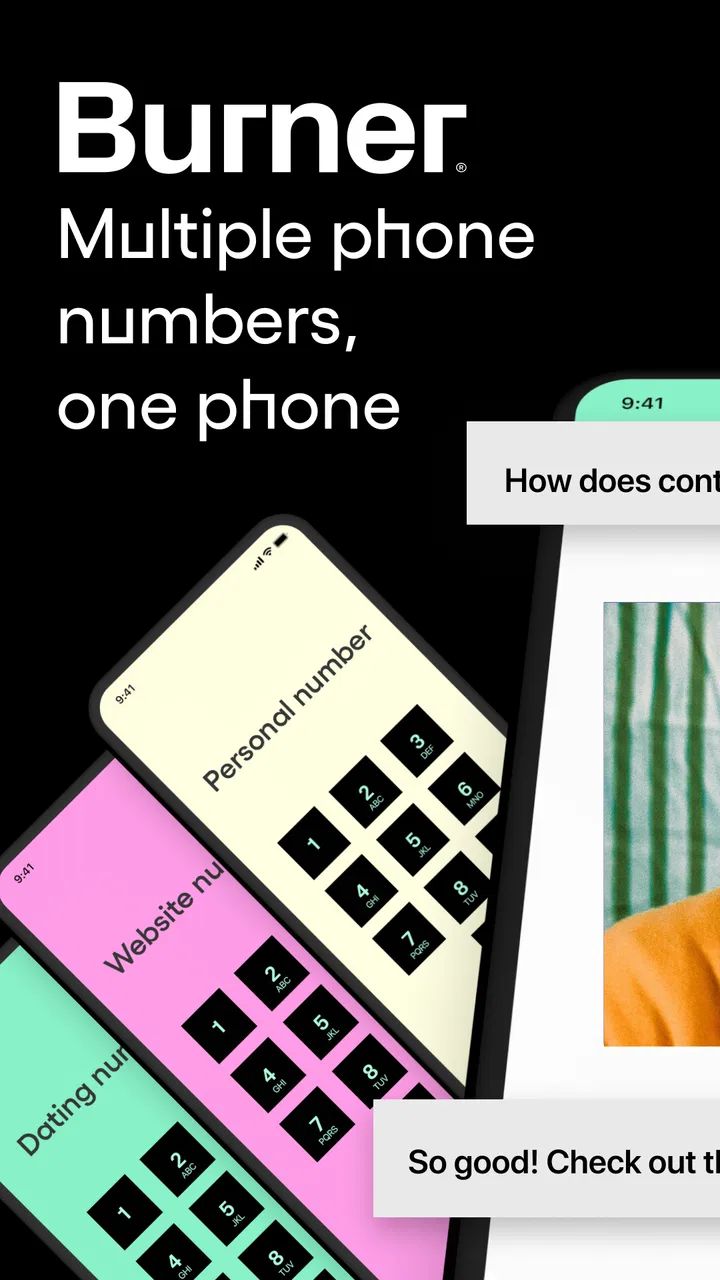
Getting a second phone number sounds simple until a message fails to arrive, a call behaves differently from your main line, or you are unsure which number a contact is seeing. That is where Burner: Second Phone Number becomes interesting. I see it as a communication app for keeping a separate line available without carrying another handset, rather than as a complete replacement for a normal mobile plan.
In my experience, its appeal is strongest when you want a boundary between your personal number and a particular part of life: selling something online, arranging a short-term project, joining a group where you do not yet know everyone, or keeping work conversations away from family chats. The app is free to install, is rated for Everyone, and comes from Ad Hoc Labs, Inc. Its store summary focuses on a second line for texting, calling, and picture messages, but the useful question is not simply whether it can do those things. The real question is whether a separate number fits the way you communicate.
Where people usually get stuck
The first point of friction is often expectation. A second app-based number is not automatically identical to the number supplied by your mobile carrier. I would not treat it as a guaranteed substitute for every service that asks for a phone number, especially when an account, bank, delivery service, or security system decides which kinds of numbers it accepts. That is not necessarily a fault in Burner; it is a reminder that different services handle phone verification in different ways.
You May Also Like

 Blood Strike: 2.5 Anniversary
Blood Strike’s Loadouts Turn Every Drop Into a Tactical Gamble
A close look at Blood Strike’s custom loadouts: how fast access to signature weapons reshapes its battle royale rhythm, rewards preparation, and narrows the gap between fights.

 Pandora - Music & Podcasts
Pandora’s Music Is Easy to Start, but Harder to Recover
Pandora’s strength is its low-effort path from a seed to a station. Its weak spot is how much confidence it asks you to place in connection, setup, and quiet recovery.

 8 Ball Pool
 Is Built on Rivalries, Rematches, and Routine
A close look at the rivalries, rematches, shared routines, and unanswered safety questions that turn a quick pool match into a persistent mobile community.

 Samsung Music
’s Quiet Strength Is Playing What You Already Own
Its reach comes less from spectacle than from dependable access to a personal library. That simplicity is both the app’s strongest retention engine and its ceiling.

 AccuWeather: Weather Radar
AccuWeather Review: A Quick, Clear Forecast for Everyday Decisions
For everyday plans, the best forecast is the one you can understand quickly. AccuWeather makes rain timing, radar, and local conditions easy to act on, with a few trade-offs.

 Hill Climb Racing
Why Hill Climb Racing Still Turns Crashes Into One More Run
A tiny car, a bumpy hill and one more upgrade: Hill Climb Racing keeps resurfacing because its simple chaos makes every near-miss feel personal.
More From Our News Desk



Another common stumbling block is forgetting which line is active before sending a message. If I am switching between personal conversations and a temporary contact, I need to slow down and check the conversation header and recipient. A separate number only protects privacy when I actually use it consistently. Sending one reply from my ordinary number can undo the separation I was trying to create.
Picture messages can also create confusion. The recipient may have a device, carrier, or messaging setup that treats picture messages differently from ordinary texts. If a photo does not arrive, I would first check whether plain text works in the same conversation, then try a smaller or different image, and confirm that the recipient has the correct number. That simple sequence tells me whether the issue is the message type, the contact, or the connection.
Calls deserve the same practical caution. A call that does not connect does not always mean the app is broken. The other person may have blocked the number, ignored an unfamiliar caller, or be in an area with weak service. I find it more useful to test with a trusted contact than to repeatedly call someone who may simply not answer unknown numbers.
There is also a privacy misunderstanding worth clearing up. A separate number creates distance from your main number, but it does not make every interaction invisible or remove the need to think about what you share. I would avoid sending sensitive documents, personal addresses, or information that does not belong in a casual text thread. Burner is a useful separation tool; it is not a reason to abandon ordinary digital safety.
What I check before blaming the app
When a message is delayed, I start with the basics: the phone has a working internet connection, the app is open and signed into the intended account, and the conversation is using the correct line. I also check whether the problem affects one contact or every contact. A single failed conversation points me toward the recipient, their carrier, or a number-specific issue. A failure across calls and messages suggests a broader connection or account problem.
I keep the current release installed as well. The version shown for the app is 7.1.0.3122.7706007, and staying current is a sensible first step when an older installation behaves unpredictably. I do not jump straight to deleting the app, though. Reinstalling can create unnecessary recovery work, so I first close and reopen it, reconnect to a stable network, and try a simple text before testing a picture or call.
Permissions and system settings are another quiet source of trouble. On Android, the app requires a minimum operating system of 10, so an older device is not a good candidate. On either mobile platform, I would look at whether the operating system is restricting background activity, notifications, microphone access, or photo selection. The exact menu names vary, but the principle is the same: if the app cannot reach a feature it needs, changing the conversation itself will not help.
I also check the phone’s date and time settings. An incorrect clock can cause strange behavior with sign-in and network services, even when other apps seem fine. This is a small check, but it is quick and harmless. If the device is using aggressive battery saving, I temporarily relax those restrictions while testing, because delayed notifications can look like failed messages.
A cleaner setup for a separate line
I recommend deciding the purpose of the number before choosing it. A line for a one-off marketplace conversation should be managed differently from one used for an ongoing side project. In the first case, I keep the conversation focused and avoid giving the number to more people than necessary. In the second, I make sure the people who need to reach me know that this is the reliable contact for that project.
During setup, I write down the intended use in a private note, not in the contact name that another person might see. I then send a short test message to someone I trust and ask them to reply. This verifies both directions without involving an important appointment or a time-sensitive customer. I test a call separately if calling matters to me, because successful texting does not prove that every communication path will behave identically.
For picture messages, I use a harmless image first. That lets me confirm the workflow without risking a private photo or an attachment that is too large. I also ask the recipient to tell me whether the image appears as an ordinary message or as a separate download prompt. Their answer can reveal whether the problem is delivery or simply how their phone presents the message.
I keep the Burner line clearly labeled in my own contacts, but I avoid relying only on memory. When I am replying quickly, I check the number shown in the conversation before pressing send. This is one of the most valuable habits with any second-line app: privacy depends as much on message discipline as on the number itself.
The app is free to download, but it includes in-app purchases ranging from $1.99 to $269.99 per item. I would therefore look carefully at the purchase screen before confirming anything and decide whether the expected period of use justifies the cost. Someone who needs a short-lived contact method may view that flexibility differently from someone who wants a permanent business line. The important point is to treat the number as an ongoing service choice, not assume that every use will remain cost-free.
Recovering a workflow after something goes wrong
When a conversation becomes unreliable, I avoid making several changes at once. First I send a plain text to the same person. If that works, I test a picture. If both work but calls do not, I focus on the call path rather than resetting the entire account. This step-by-step approach makes it easier to identify what changed and prevents me from losing a useful conversation while troubleshooting.
If notifications stop appearing, I open the app directly and inspect the conversation before assuming messages are missing. I then check system notification settings and battery restrictions. A notification delay is different from a delivery failure: the recipient may already have the message even though my phone did not alert me promptly. For important exchanges, I ask the contact to confirm receipt instead of sending repeated copies.
If only one person cannot reach me, I verify the number they saved and ask them to start a fresh conversation rather than replying to an old thread. This is especially helpful when a contact has multiple numbers or when an old conversation was created before a number change. I also make sure they have not accidentally blocked the line or filtered calls from unknown contacts.
For a failed call, I try a text to arrange a suitable time and ask the other person to call back. This avoids wasting time on repeated attempts and distinguishes “the call path is failing” from “the recipient did not recognize the caller.” If neither side can communicate, I move to a known-good internet connection and repeat the test with a trusted person.
I am cautious about clearing app data or reinstalling. Those actions can remove local state or force me through account recovery, and they should be later steps rather than the first response. Before taking them, I make sure I know how I will regain access and that I have recorded any information I genuinely need. A reset can solve corrupted local behavior, but it can also turn a small notification problem into a larger access problem.
When the app is not the real cause
Many communication failures happen outside the app. A recipient’s carrier may be filtering unfamiliar numbers, their phone may be offline, or their messaging service may handle picture messages differently. If the same person cannot receive anything from several unrelated contacts, their device or service deserves attention before I blame Burner.
Network changes can matter too. A message may work on home Wi-Fi but fail on mobile data, or the reverse. I test both when possible, without drawing conclusions from a single attempt. Public networks can also interfere with communication services, so I prefer a trusted connection for account setup and private conversations.
Phone-level storage and system restrictions can affect attachments, notifications, and calls. If the device is nearly full, photo handling may become unreliable. If the operating system is silencing notifications, the app may be functioning while the phone hides the alert. Checking these conditions is more productive than repeatedly tapping resend.
There is a broader compatibility issue with the idea of a second number. Some organizations require a carrier-issued line, a number tied to a particular account holder, or an approved verification method. If my goal is two-factor authentication for a critical account, I would follow that service’s rules and use its recommended method rather than assume a second-line app will be accepted. For ordinary person-to-person communication, the app is a much more natural fit.
Who will benefit, and who should choose something else?
I think Burner suits people who need a practical boundary. A freelancer can use a separate contact for a short project. A person selling furniture can avoid publishing a personal number in a listing. Someone arranging a repair or delivery can keep that conversation apart from their main contacts. In each case, the value comes from controlling which number is shared, not from adding another complicated social network.
It is also useful for people who want calling, texting, and picture messages in one place rather than juggling a physical SIM and a second handset. The app has reached over five million installs and carries a 4.4 average from around seventy-nine thousand ratings, which suggests that many users find the basic idea workable. I still would not use popularity as a substitute for checking whether the app matches my exact need.
I would choose a conventional carrier second line instead when reliability is central, especially for business hours, emergency coordination, or services that insist on a standard mobile number. A carrier plan may be less convenient or more expensive, but it can be the better fit when I need predictable coverage and broad compatibility.
I would also look at a dedicated business phone service if I needed shared access, formal call handling, or administrative controls for a team. Burner feels more appropriate for an individual who wants separation and flexibility. It is not the option I would pick for building a full customer-support operation.
People who dislike managing another inbox may want to skip it. A second line creates another place to check, another number to explain, and another workflow to maintain. If I rarely need privacy separation and already have a reliable dual-SIM setup, adding an app may create more mental overhead than value. Likewise, anyone expecting the app to solve carrier-level blocking or guarantee acceptance by every verification system is likely to be disappointed.
My practical verdict after using it as a boundary tool
What I like most is the clear use case: I can give someone a number without immediately giving them my everyday line. That is genuinely helpful for temporary contacts and situations where I want the option to end communication without exposing my primary number. Having text, calls, and picture messages together makes the arrangement feel more natural than using a number only for one type of contact.
The trade-off is that separation adds responsibility. I have to select the right line, monitor another communication channel, test important workflows, and understand that recipients’ devices and carriers can affect the result. The in-app purchase range also means I would review the cost of my intended use before committing to the number for a longer project.
My recommendation is straightforward: try it if your main goal is a flexible personal second line for ordinary conversations, temporary arrangements, or privacy-conscious contact sharing. Start with a test message and call, label the line carefully, and keep sensitive account verification needs separate from casual communication. If you need carrier-grade continuity, team features, or universal acceptance by institutions, a traditional second line is probably the safer choice.
For the right person, Burner: Second Phone Number is less about hiding and more about setting a sensible communication boundary. I would recommend it to a friend who understands that distinction and is willing to manage the extra line deliberately. Used that way, it is a useful communication app rather than a magic fix for every phone-number problem.
FAQs for Burner: Second Phone Number
01What is Burner: Second Phone Number used for?
Burner: Second Phone Number is an app that allows users to create temporary, disposable phone numbers. It’s ideal for maintaining privacy when you need to share a phone number but don’t want to give out your primary one. This can be useful for online dating, selling items, or business transactions.
02Is Burner: Second Phone Number secure and private?
Yes, Burner prioritizes user privacy and security. It provides end-to-end encryption for calls and messages, ensuring that your personal information remains confidential. Additionally, because the numbers are temporary, users can easily delete them when they’re no longer needed, further enhancing privacy.
03How does the subscription model work for Burner?
Burner offers both free trials and subscription plans. The app provides a free trial period with limited features, after which users can choose from various subscription plans based on their needs. Each plan offers different levels of service, including the number of lines available and the duration they can be used.
04Can I make international calls with Burner?
While Burner is primarily designed for local and domestic use, it does support international calling. However, international call rates may apply, and it’s advisable to check the app’s latest pricing and terms for international usage to avoid unexpected charges.
05What platforms is Burner available on, and how do I download it?
Burner is available for both Android and iOS devices. You can download the app from the Google Play Store for Android or the Apple App Store for iOS. Simply search for 'Burner: Second Phone Number,' install the app, and follow the setup instructions to get started.
Pros
- Easy to set up and use.
- Offers customizable voicemail.
- Call forwarding feature available.
- Supports text and picture messaging.
- Affordable pricing plans.
Cons
- Can drain battery quickly.
- Limited free trial options.
- Some features need premium.
- Occasional call quality issues.
- Requires stable internet connection.

Burner: Second Phone Number
Gallery